display: flex;
- 뷰포트나 요소의 크기가 동적으로 변할 때 사용.
- 상속되지 않음.
- 부모박스 (flex-container)와 자식아이템 (flex-item)의 개념으로 구성 됨.
flex-container에 들어가는 특성
flex-direction : 아이템의 가로 세로 정렬 기준 설정. 주축의 방향 설정.
- row : 기본값. 주축은 가로 (왼쪽->오른쪽), 교차축은 세로 (위->아래)

- column : 주축은 세로 (위->아래), 교차축은 가로, (왼쪽->오른쪽)

- raw-reverse : 주축은 가로 (오른쪽->왼쪽), 교차축은 세로 (위->아래)

- column-reverse : 주축은 세로 (아래->위), 교차축은 가로 (왼쪽->오른쪽)

flex-wrap : flex는 자동으로 줄바꿈이 되지 않으며, 각 아이템의 크기를 자동으로 조절한다.
- nowrap : 기본값. 플렉스 아이템 한 줄 배치

- wrap : 줄바꿈.


- wrap-reverse : 역방향 줄바꿈.

flex-flow : 순서 없이 flex-direction과 flex-wrap의 값을 한 번에 작성. 띄어쓰기로 구분.
flex-direction: column; flex-wrap: wrap; == flex-flow: column wrap;

flex-direction: row; flex-wrap: wrap; == flex-flow: wrap;
/* direction: row가 기본값이기 때문에 생략 가능. */
justify-content : 주축 기준 플렉스 아이템 정렬.
- flex-start : 기본값. 주축의 시작점부터 정렬
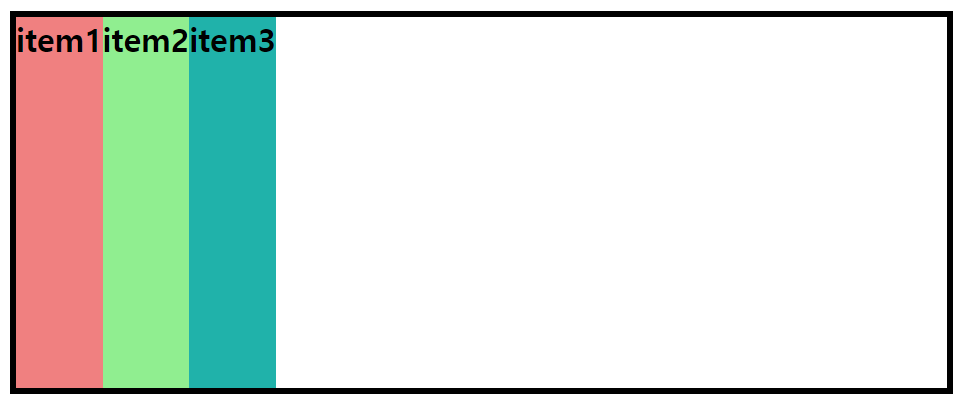
- flex-end: 주축 기준 끝나는 지점부터 정렬
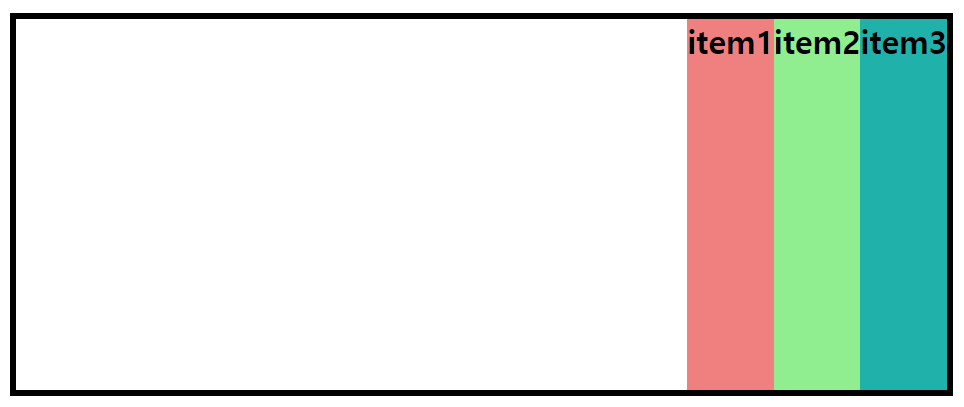
- center : 주축 기준 중앙 정렬
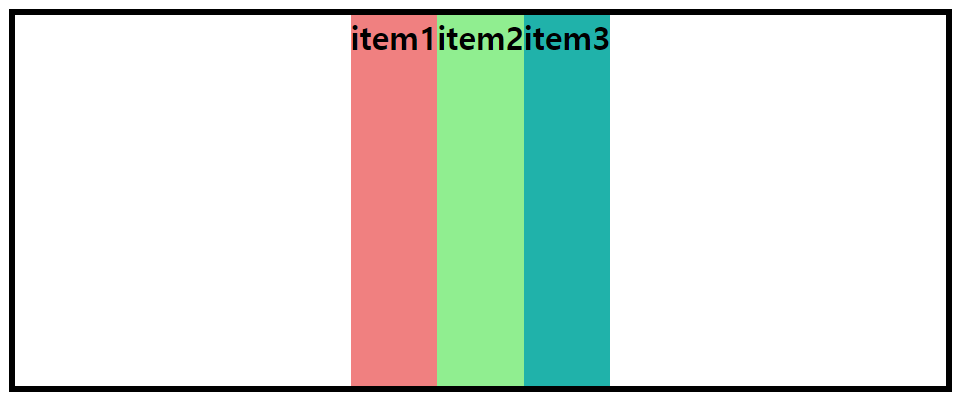
- space-around : 영역 내에서 주축 기준으로 여백 포함 동일한 간격으로 정렬

- space-between : 영역 내에서 주축 기준으로 양 끝에 맞춰 동일한 여백값으로 정렬.
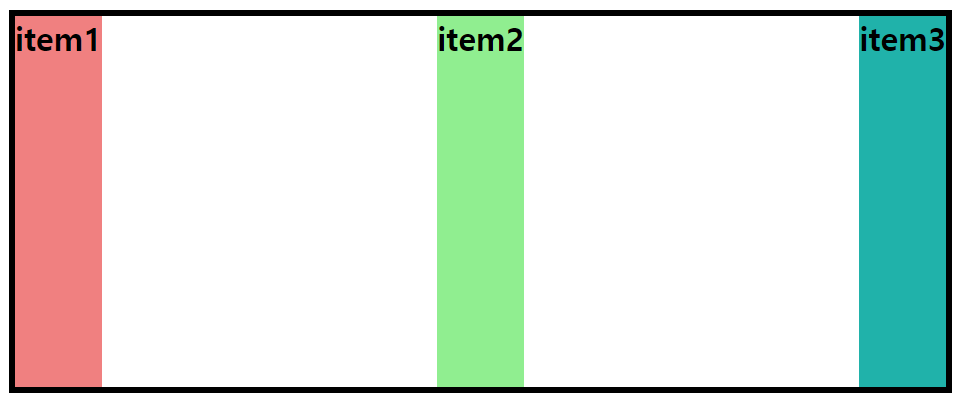
- space-evenly : 영역 내에서 주축 기준으로 모두 동일한 여백값으로 가운데 정렬.
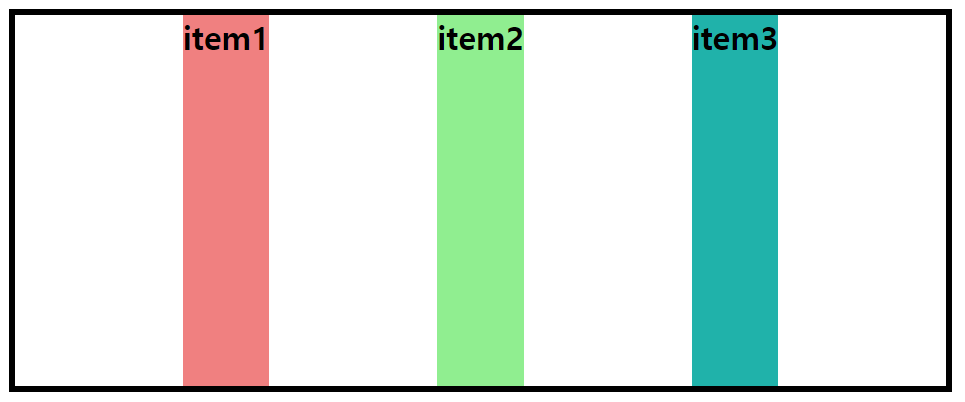
align-items : 교차축 기준 아이템 정렬
- stretch: 기본값. 아이템 높이값이 없어도 컨테이너의 높이값만큼 아이템 확장 정렬.
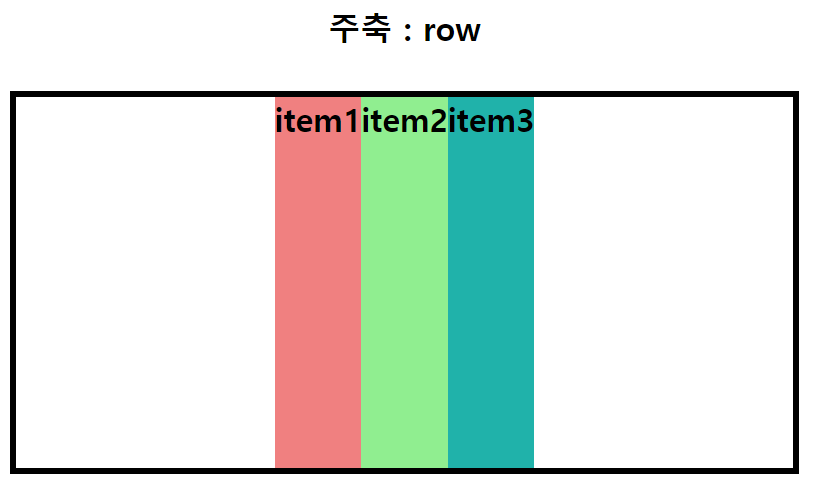
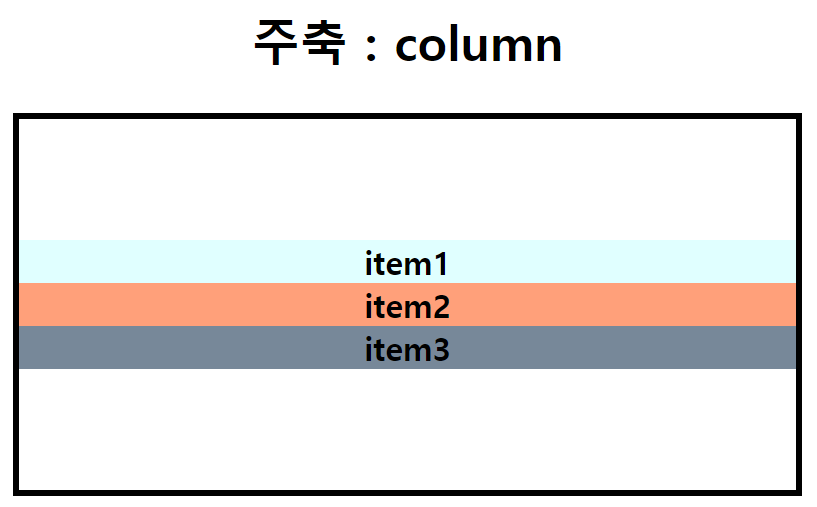
- flex-start : 교차축 기준 시작점에서 끝나는 지점으로 정렬
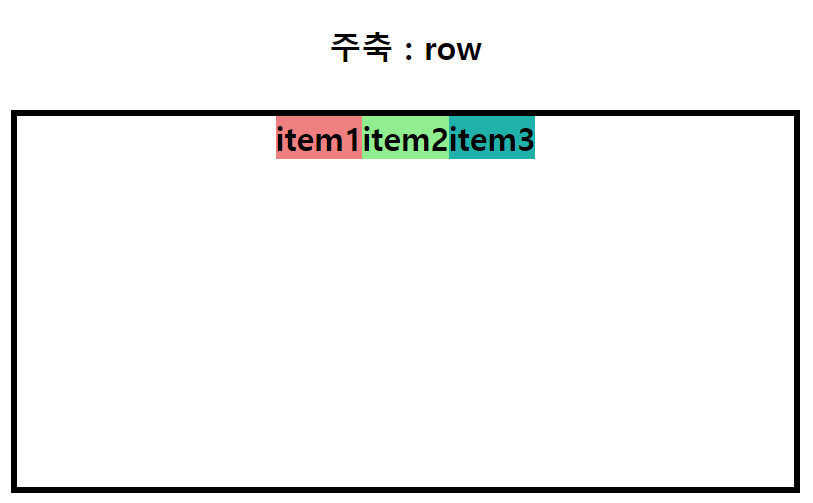
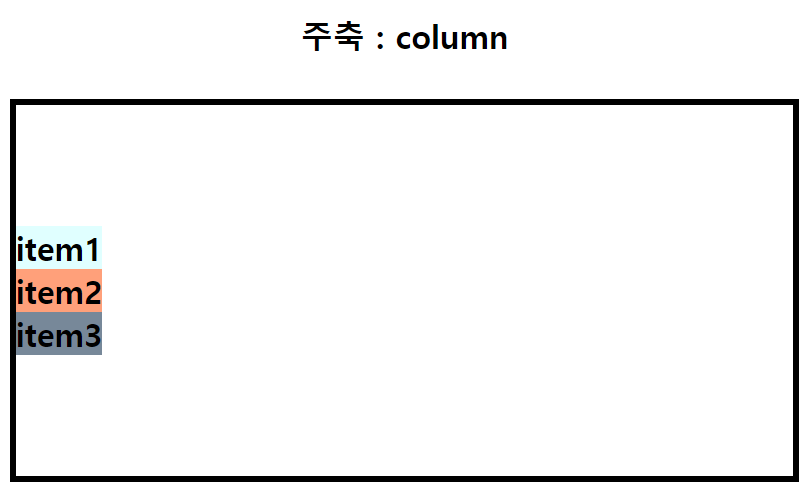
- flex-end : 교차축 기준 끝나는 지점에서 시작점으로 정렬
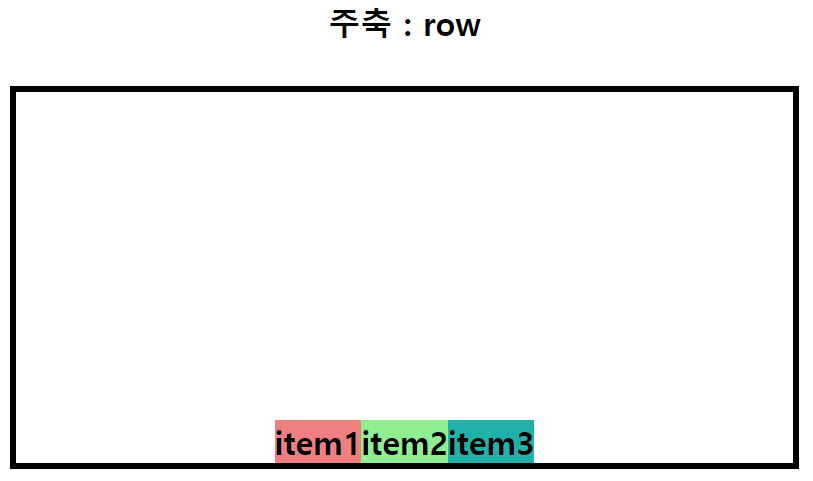

- center : 교차축 기준 중앙 정렬
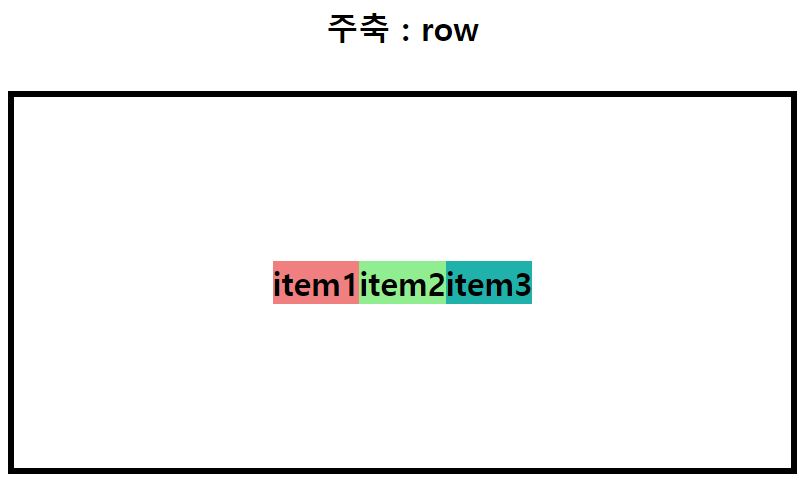

align-content : 교차축 기준으로 여러 아이템을 하나의 덩어리로 정렬.
- stretch: 기본값. 아이템 높이값이 없어도 컨테이너의 높이값만큼 아이템 확장 정렬.

- flex-start : 교차축 기준 시작점에서 끝나는 지점으로 정렬
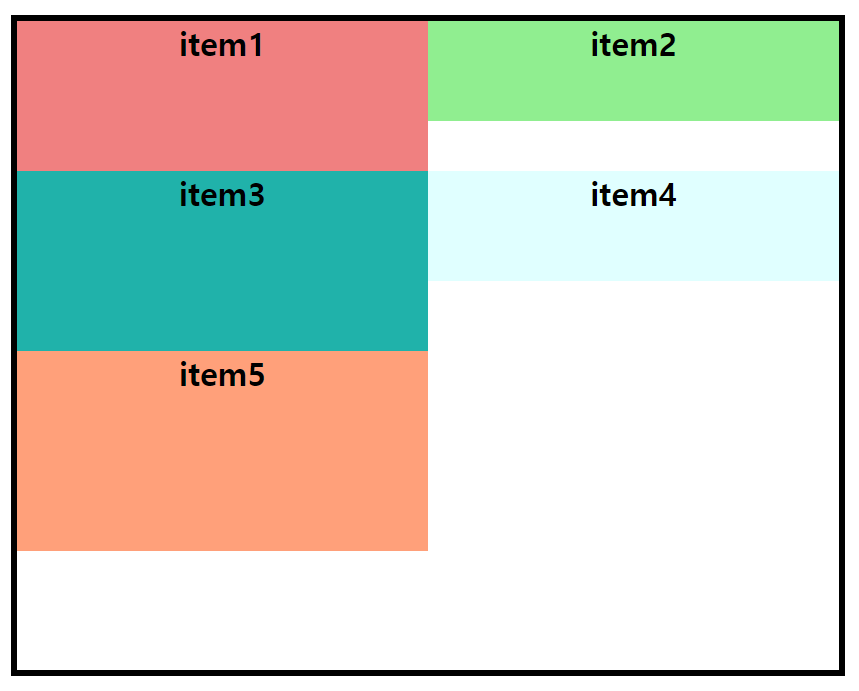
- flex-end : 교차축 기준 끝나는 지점에서 시작점으로 정렬
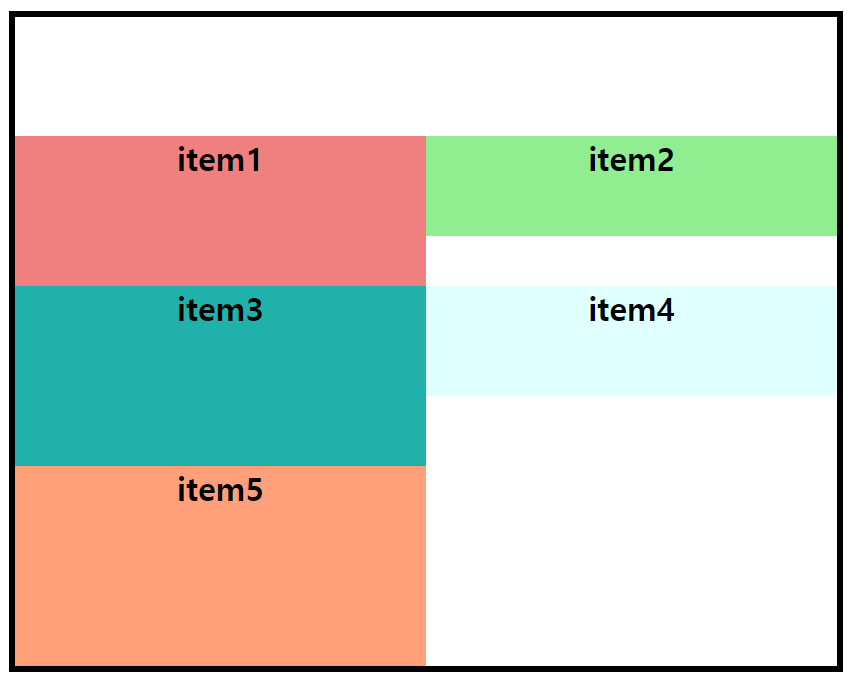
- space-around : 영역 내에서 주축 기준으로 여백 포함 동일한 간격으로 정렬
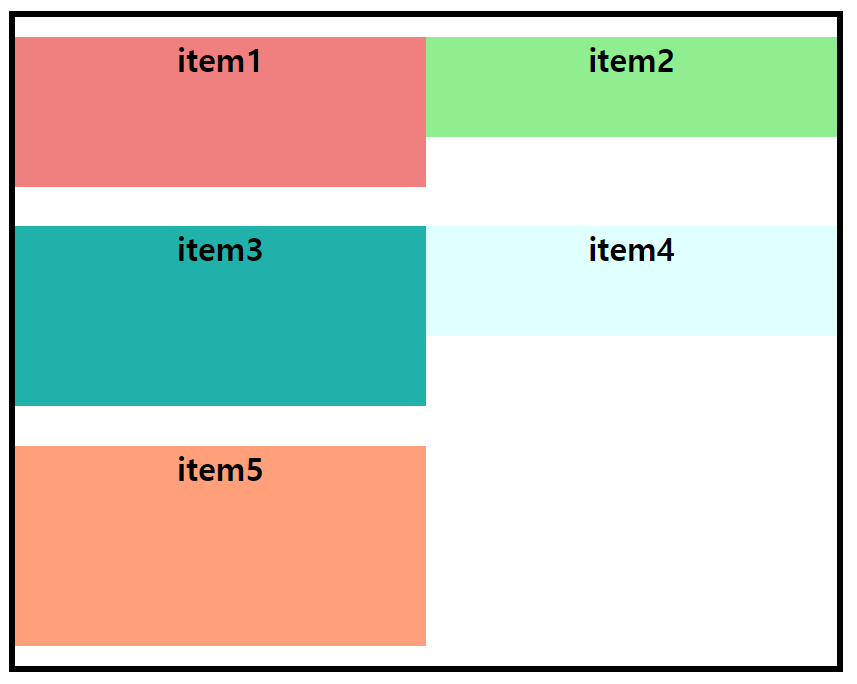
- space-between : 영역 내에서 주축 기준으로 양 끝에 맞춰 동일한 여백값으로 정렬.
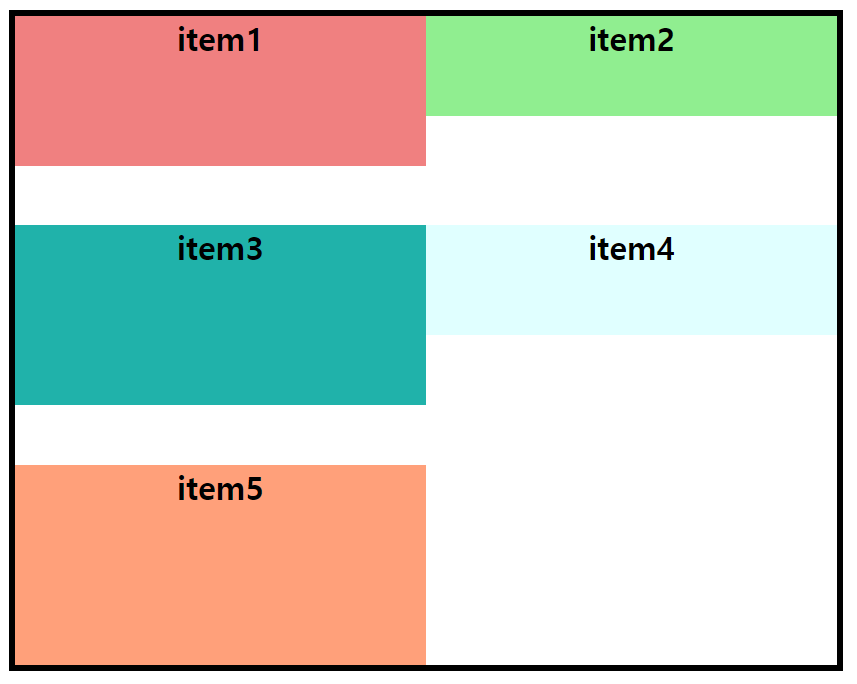
- center : 교차축 기준 중앙 정렬
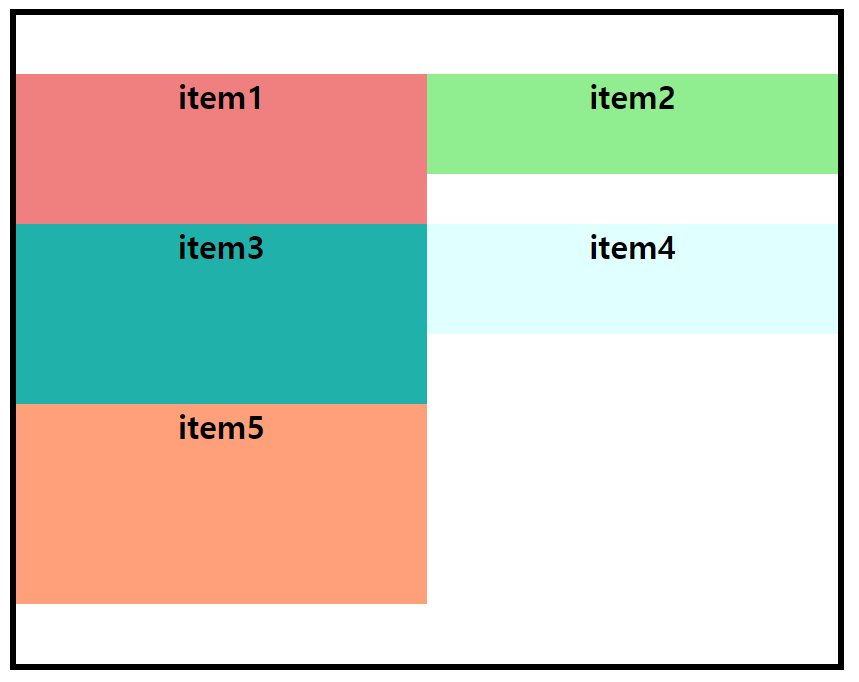
flex-item 에 들어가는 특성
align-self : 자식인 플렉스 아이템에 적용. align-items 특성의 개별 배치.
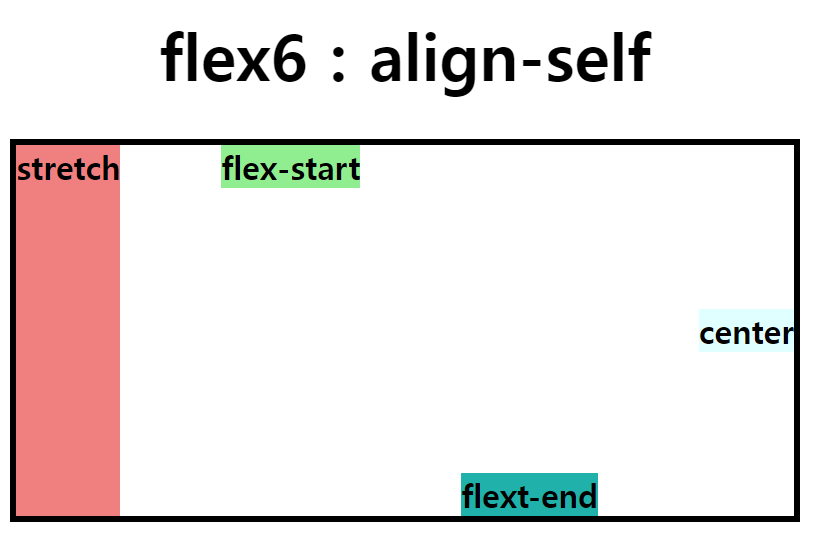
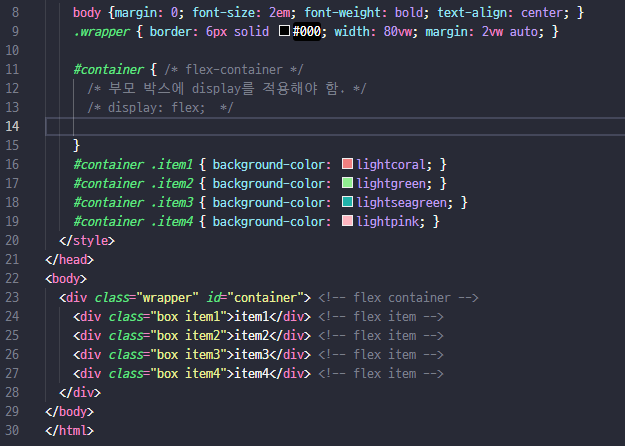
display: flex; 는 부모가 되는 flex-container 요소에 적용해야 한다.
부모 요소에 flex 적용시 자식 아이템은 margin을 통해 개별적으로 위치 지정 가능.

margin: auto; 를 flex-item에 적용시 center center(정중앙)의 값을 가지게 됨.
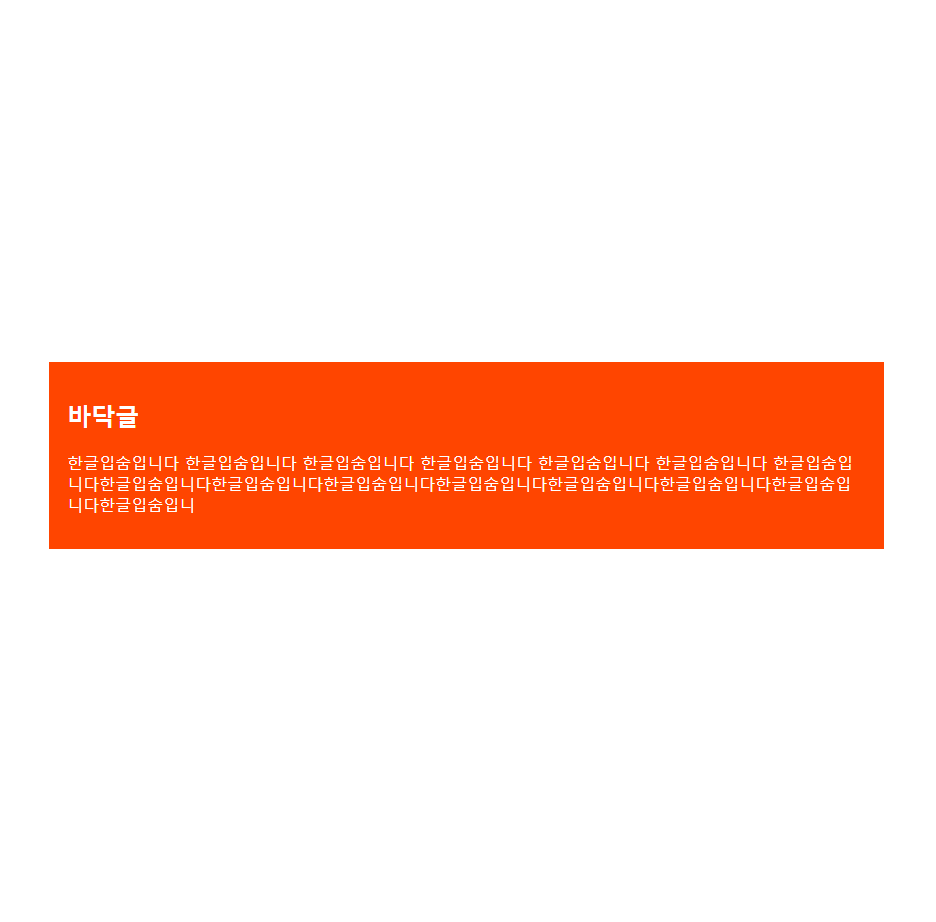
margin-left: auto; 여백이 왼쪽으로 들어가기 때문에 플렉스 아이템은 오른쪽 배치
(margin-right: auto; 는 반대로 적용된다.)
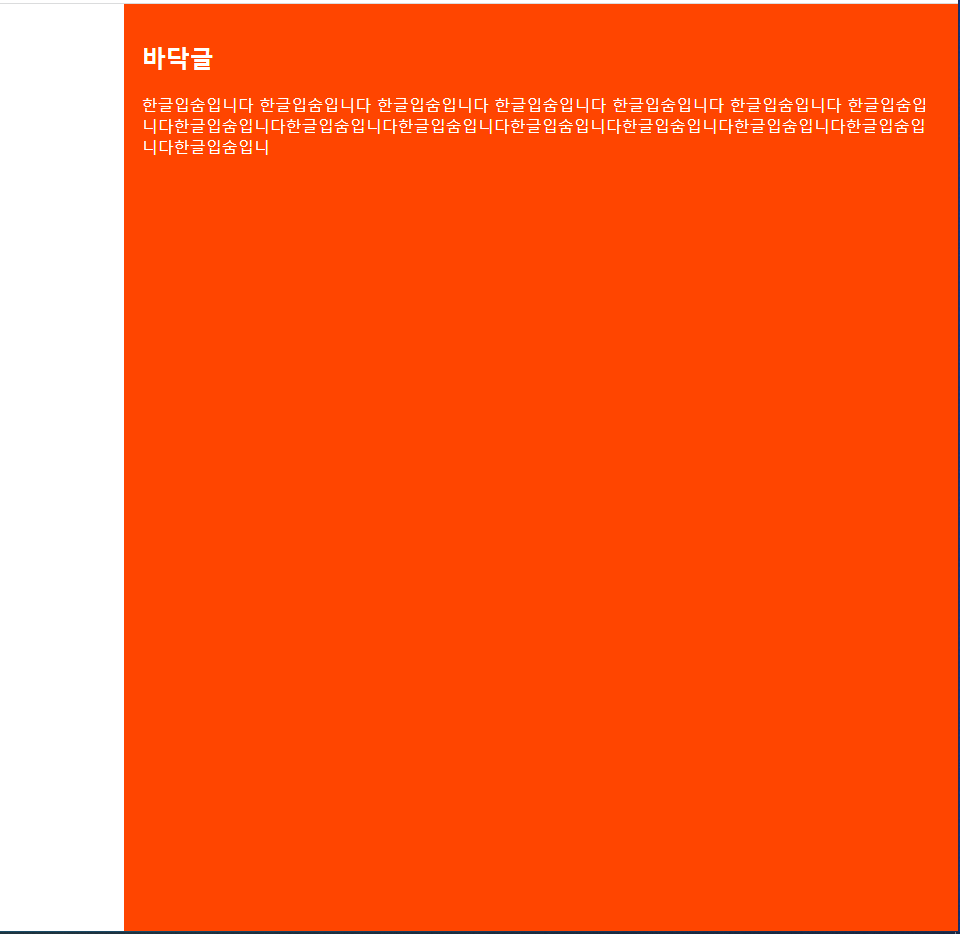
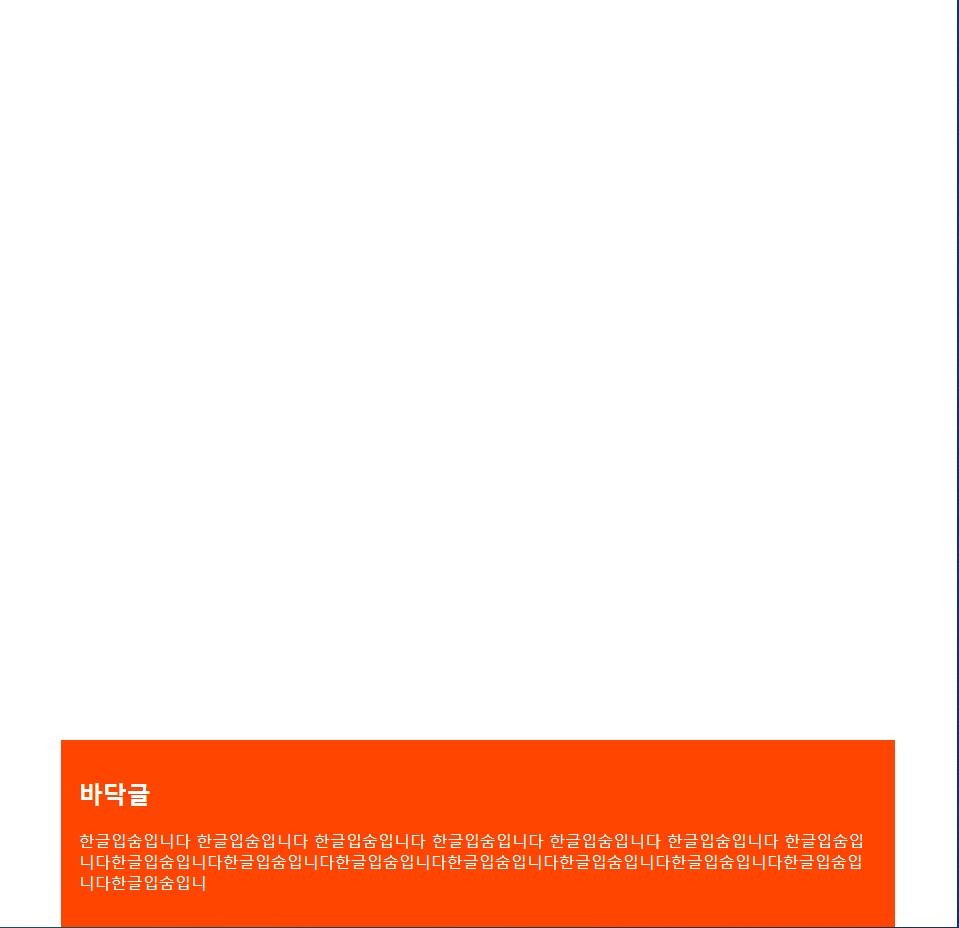
margin-bottom: auto; 여백이 아래쪽으로 들어가며 아이템은 위쪽 배치
(margin-top: auto; 는 반대로 적용.)
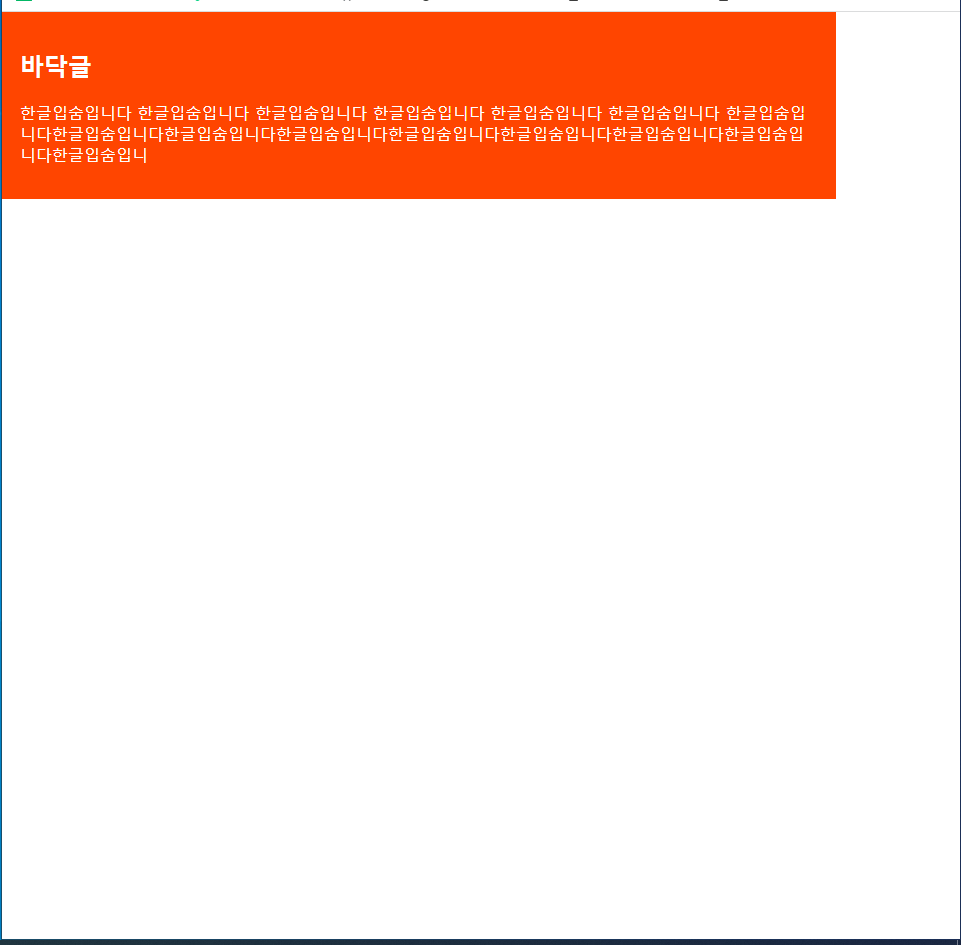
margin: auto auto 0 auto;
top, right, bottom, left 의 순서로 작성.
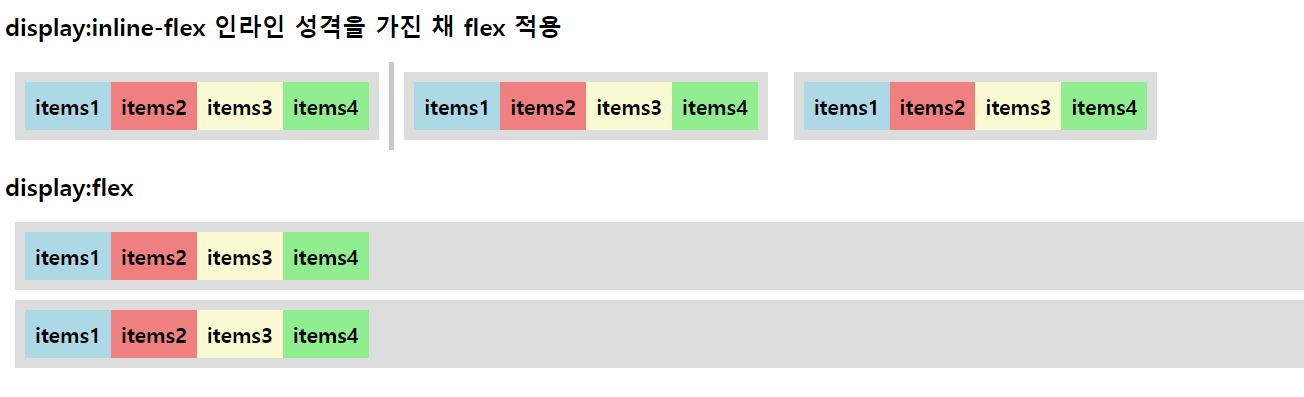
display:inline-flex 인라인 성격을 가진 채 flex 적용
'CSS' 카테고리의 다른 글
| [CSS] transition (간단한 애니메이션) (0) | 2022.11.08 |
|---|---|
| [CSS] flex-item 특성 / flex-grow, flex-shrink, flex-basis (0) | 2022.11.08 |
| [CSS] 반응형 웹 / meta태그 viewport (0) | 2022.11.03 |
| [CSS] 단위 값 em / rem , css 함수 calc(); (0) | 2022.11.02 |
| [CSS] 그라디언트 gradient (0) | 2022.10.28 |